Welcome to Billow
Manage your team’s subscriptions, members, and spending in one workspace.
Open workspaceUsing AI for the first time
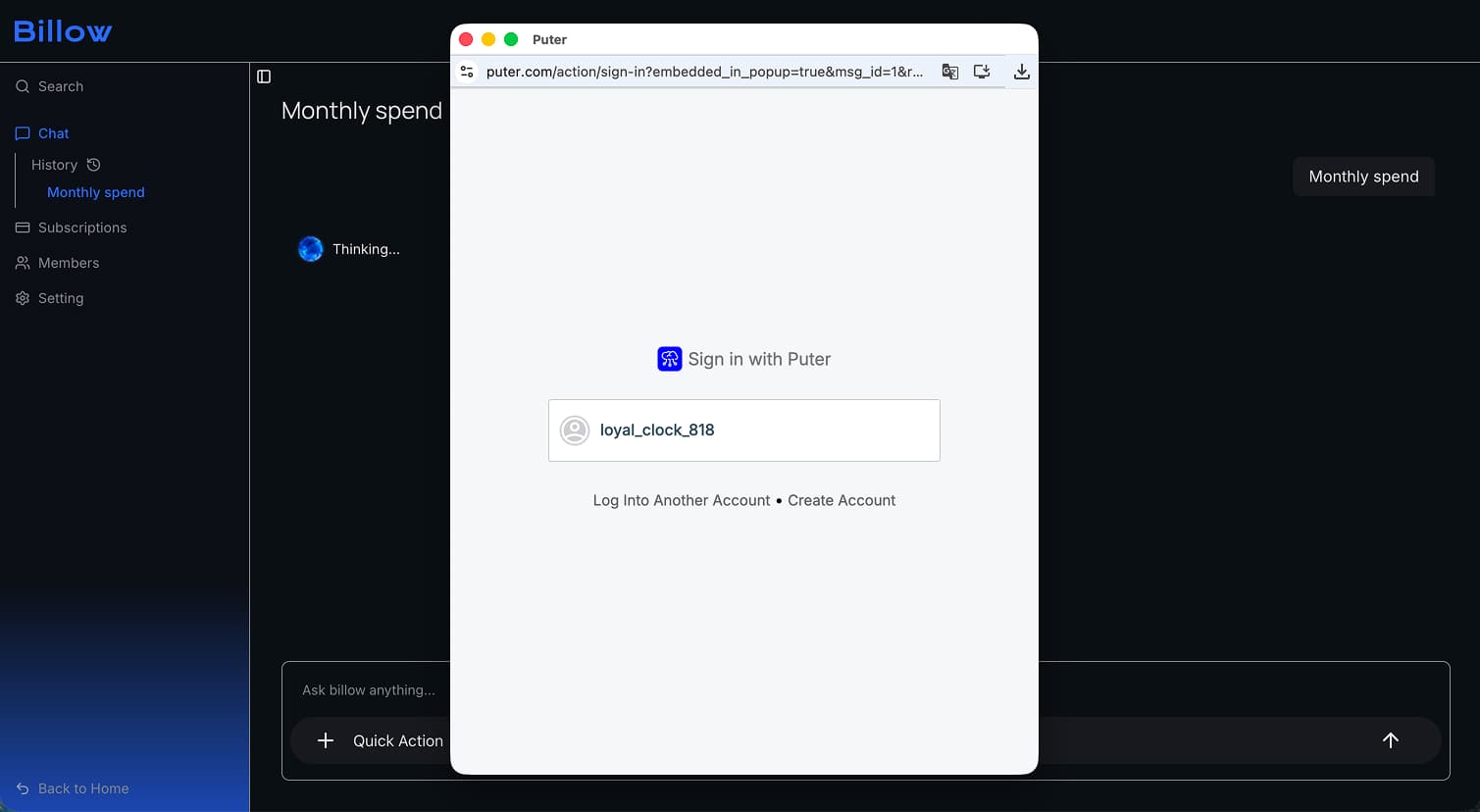
Billow’s AI chat uses Puter, a service that connects apps to AI through your Puter account.
When you use an AI feature for the first time, a separate Puter sign-in window opens, as shown here.
- Open the workspace and start a chat or select a quick action.
- Sign in to Puter or create an account in the new window.
- Return to Billow to continue.
If the window doesn’t appear, check your browser’s pop-up settings and try again. You may need to sign in again when your session expires.